Our task today was to edit the dialogue sequence we created using sound bridges as well. A sound bridge is an editing technique which transitions the sound from one shot to another seamlessly which is especially beneficial when filming dialogue. We accessed the footage using the editing software in the log bins. We edited the footage using the 'in' and 'out' buttons 'I' and 'O' to cut down the footage. I found the editing for our dialogue sequence very challenging as it was hard to make it seamless. We could of used
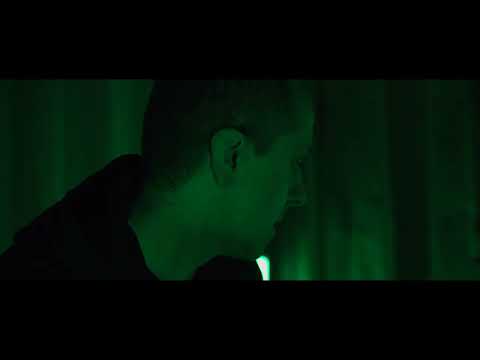
our time better when editing as we did not realise how challenging it would be. Therefore, we only learnt how to use the sound bridges on our scene towards the end of the lesson so our scene would of been a lot better if we were more efficient with our time. The white balance and exposure on the shots was something successful about the scene but we could of used more of the shots filmed. For example, we filmed a range of different shots but only used a wide shot, over the shoulder shot, over the shoulder shot, wide shot, over the shoulder shot. We could of used the close ups we filmed in this scene when editing however we didn't do this due to our time management. We have two scenes which we edited to experiment with different ideas in this process. The next scene we filmed consists of a tracking shot, over the shoulder shot, over the shoulder shot, wide shot and another over the shoulder shot. We followed the 180 degree well hence the use of a lot of over the shoulder shots which are good to use in dialogue sequences. When editing our actual sequence, we will be a lot more efficient with our use of time to create a more seamless sequence and use a wider range of shots especially close up shots as
this aids are narrative of our opening sequence quite a lot.



No comments:
Post a Comment